Payment Portal
Pay Your Northwind Invoice
Use the Pay Invoice button to open our Clover checkout. Enter the amount shown on your invoice and include your project number or property address in the Note field so we can match your payment.
ACH (Bank Transfer):
Select bank transfer at checkout and review the available options before submitting.
Credit Card:
A 3% credit-card fee applies. Review the total shown at checkout before submitting payment.

Secure and User-Friendly
Payment Portal
Have your invoice handy before you begin. Confirm the payment amount, project reference and any applicable fees before submitting.
After payment, keep your confirmation for your records. If the page stalls or you are unsure whether a payment went through, contact our office before trying again to avoid a duplicate payment.
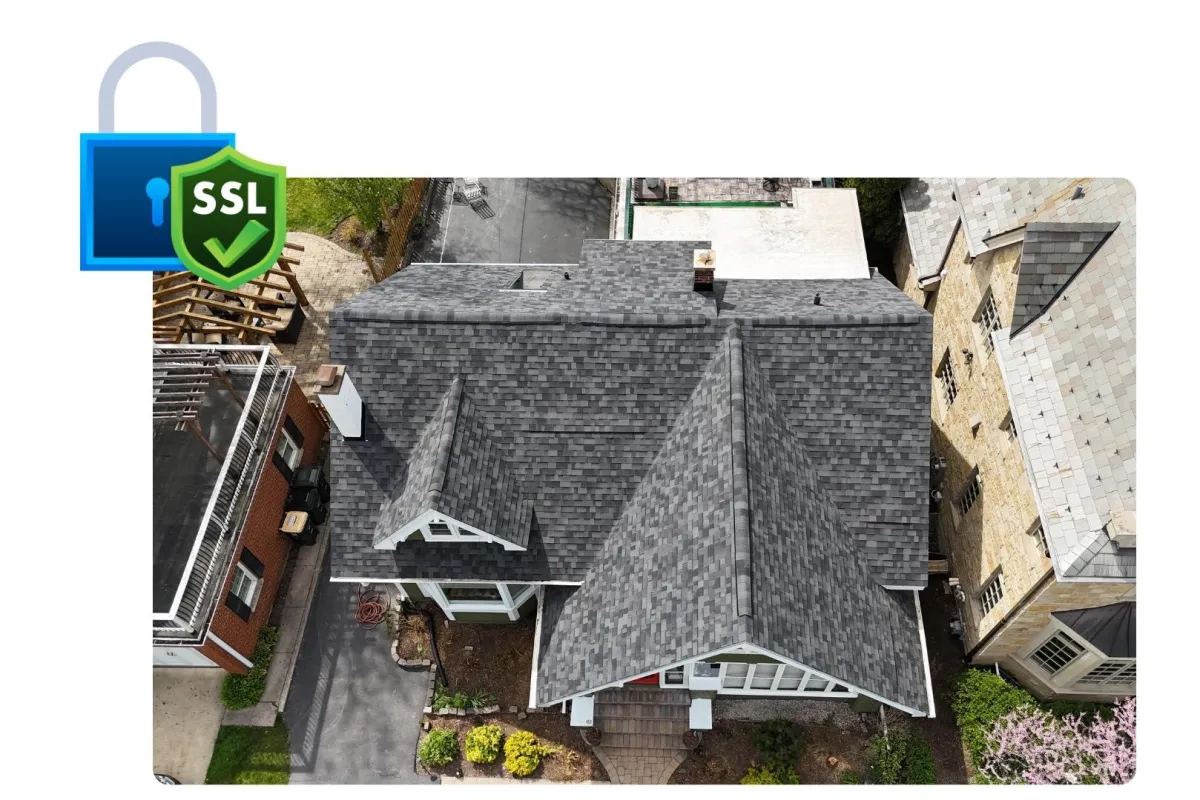
Flexible Payment Options
for Your Roofing or Siding Project
Choose from the payment methods available in Clover checkout. Review the checkout total before you authorize the payment.
Questions about an invoice, a payment amount or financing? Contact our office before paying so we can point you to the right next step.
Need Assistance?
Our dedicated team is here to help if you have any questions or need support with the portal. Reach out to us at
(773) 998-4000 or email us at [email protected]